What makes DevKit different from XAMPP or WAMP?
▼
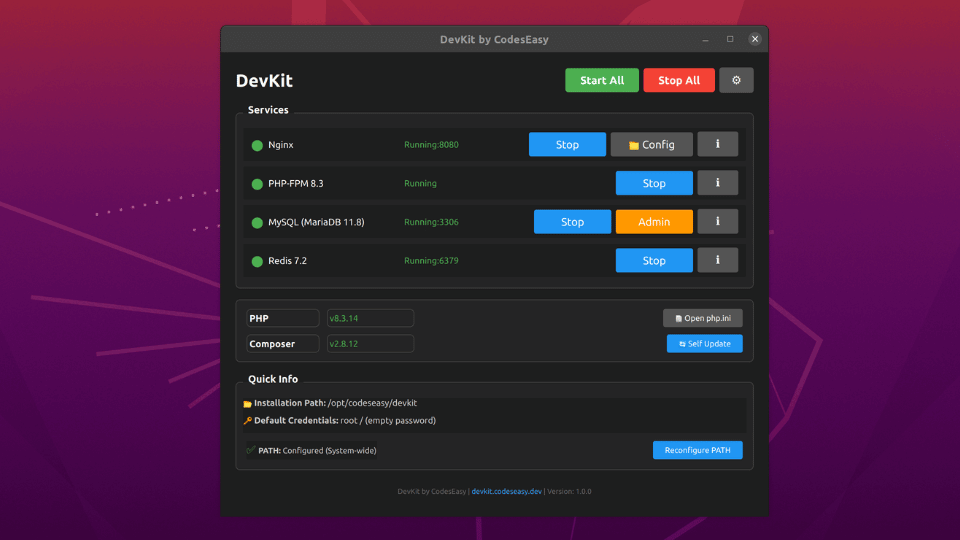
DevKit is completely all-in-one with zero configuration needed. It features automatic port
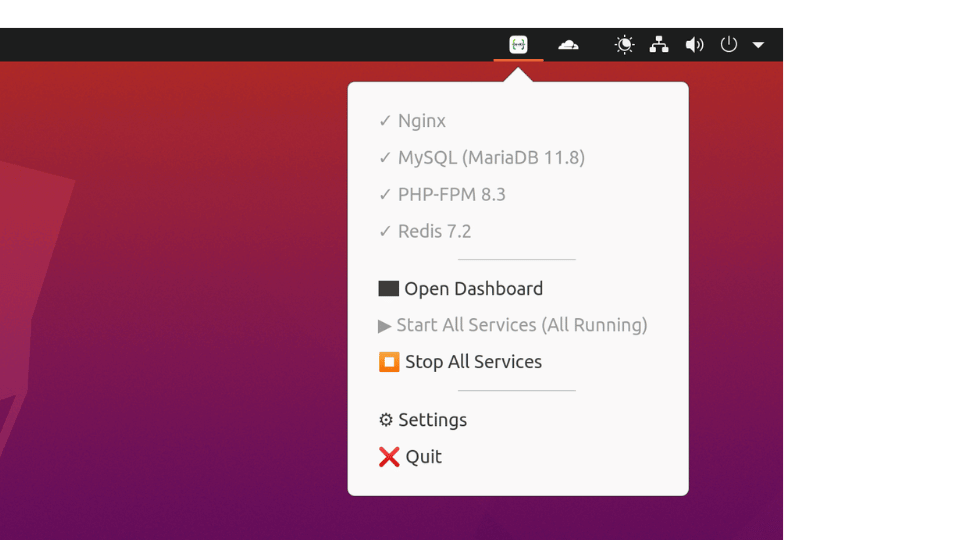
conflict detection, intelligent service management, modern dark UI with system tray integration,
and won't interfere with existing installations. Unlike XAMPP/WAMP, DevKit includes the latest
PHP 8.3, MariaDB 11.8 LTS, Composer 2.x, and Redis 7.2 out of the box.
Do I need to install PHP, MySQL, or other components separately?
▼
No! DevKit is 100% all-in-one. Everything is bundled: PHP 8.3 with 25+ extensions, MariaDB 11.8,
Nginx 1.28, Redis 7.2, Composer 2.x, and phpMyAdmin 5.2. No additional downloads or
installations required.
Will DevKit conflict with my existing PHP installation?
▼
No conflicts! DevKit installs in its own directory (/opt/codeseasy/devkit on Linux,
C:\CodesEasy\DevKit on Windows) and uses separate ports. You can run DevKit alongside XAMPP,
WAMP, or any existing PHP installation. DevKit binds to localhost only and uses port 8080 by
default (auto-adjusts if occupied).
What PHP extensions are included?
▼
DevKit includes 25+ PHP extensions: mysqli, pdo_mysql, pdo_sqlite, sqlite3, redis, openssl,
mbstring, intl, fileinfo, zip, exif, curl, sockets, gd, soap, sodium, xml, bcmath, tokenizer,
opcache, and more. All extensions are enabled and ready to use - no manual configuration needed.
What are the default database credentials?
▼
Username: root | Password: (empty)
DevKit automatically initializes the MySQL root user on first start for development convenience.
Access phpMyAdmin at http://localhost:8080/phpmyadmin. You can change the password after
installation. Important: DevKit is for local development only - never use in
production.
What ports does DevKit use?
▼
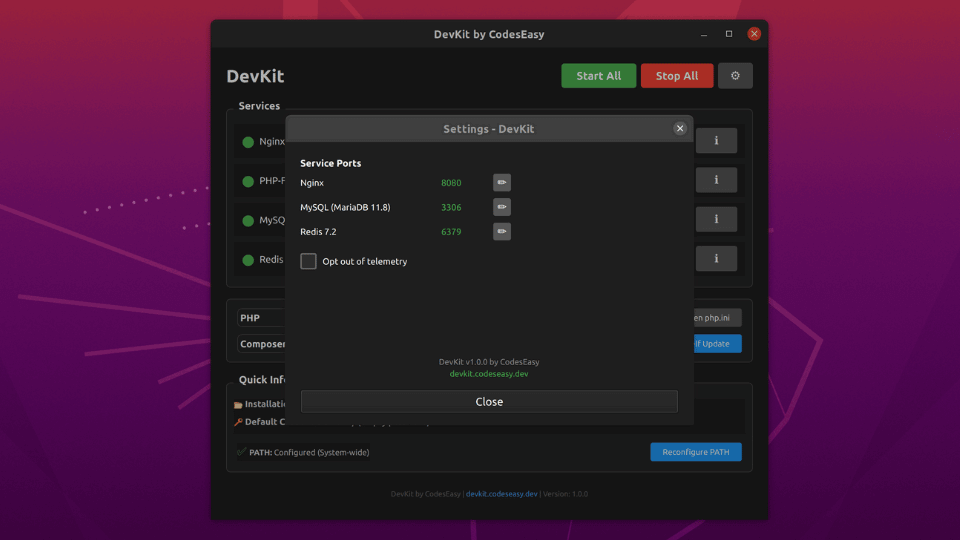
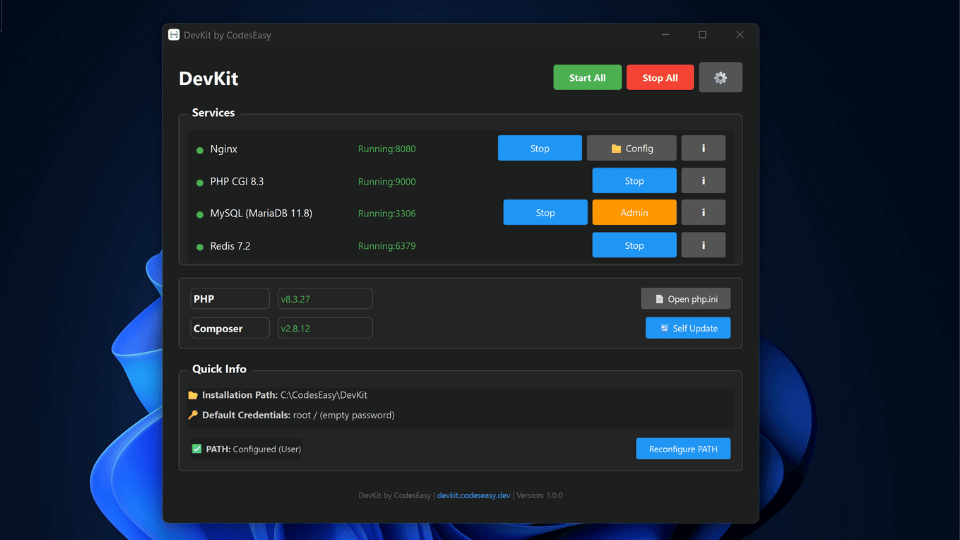
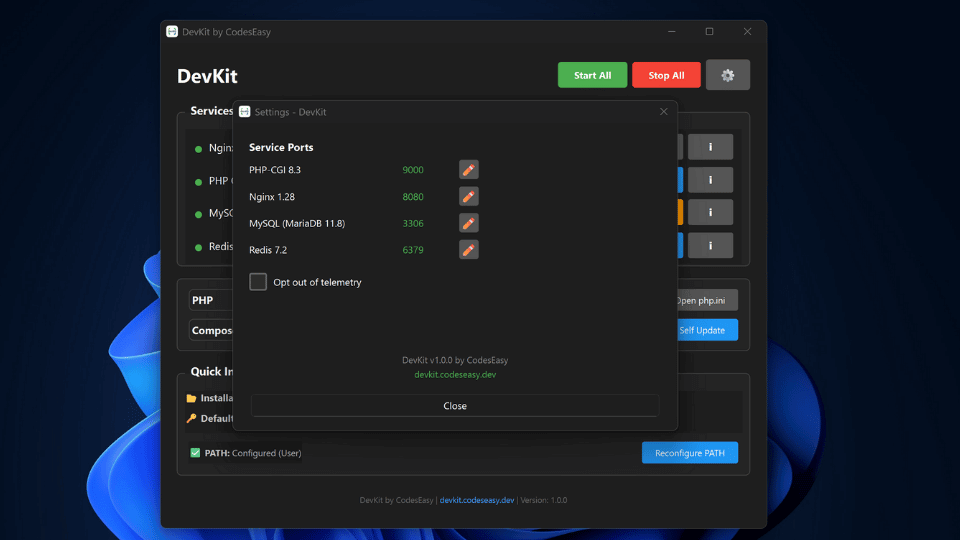
Default ports: Web Server (8080), MariaDB (3306), Redis (6379). DevKit
automatically detects port conflicts and falls back to alternatives (8081, 8082... for web). The
actual ports in use are displayed in the DevKit dashboard.
Can I use Composer with DevKit?
▼
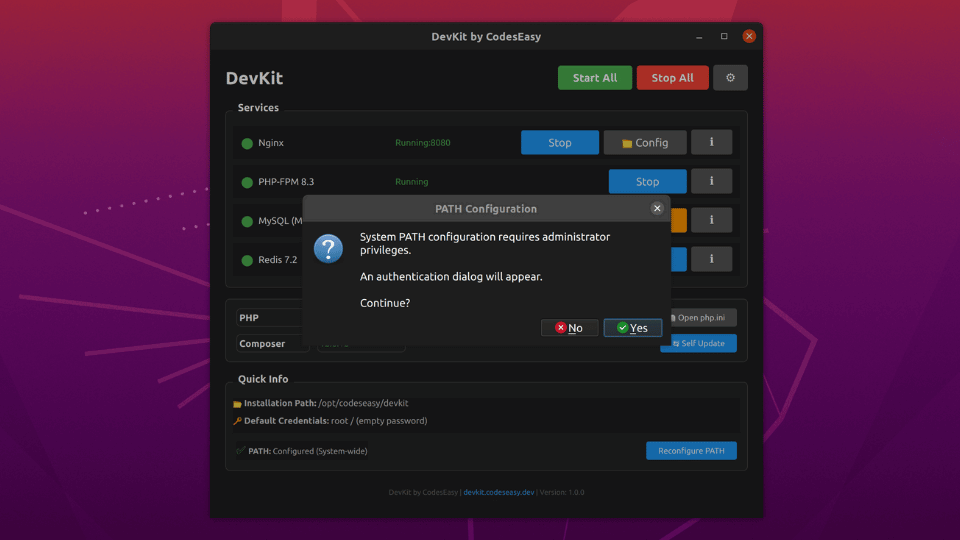
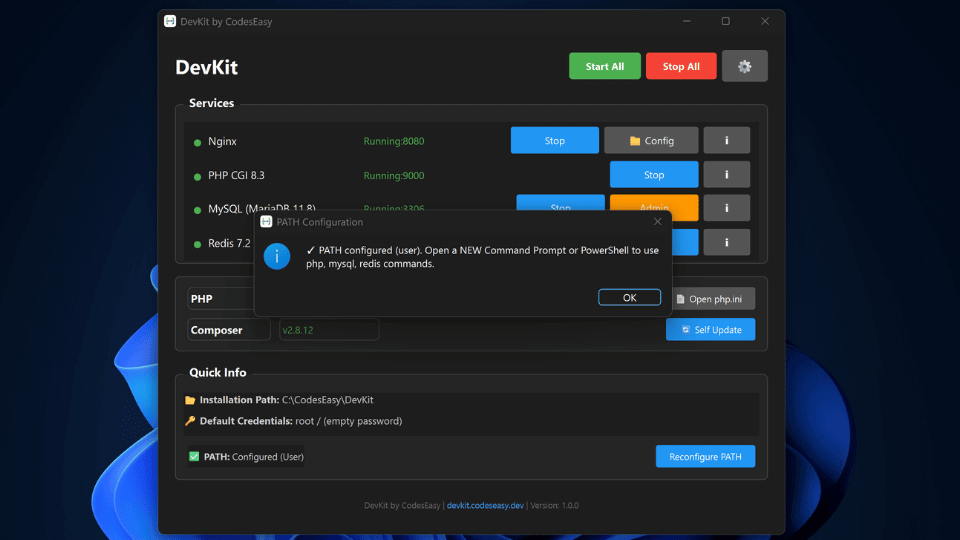
Yes! Composer 2.x is included and can be accessed via the optional PATH setup. After configuring
PATH (available in the DevKit dashboard), you can run composer install,
composer require, and all Composer commands directly in your terminal.
How do I access my project files?
▼
Linux: /opt/codeseasy/devkit/services/nginx/html
Windows: C:\CodesEasy\DevKit\services\nginx\html
Place your PHP files in the html directory and access them at
http://localhost:8080/your-file.php. You can also click the "Config" button in the DevKit
dashboard to open the sites directory.
How do I uninstall DevKit?
▼
Linux: Use your package manager or run
sudo dpkg --remove devkit
Windows: Go to "Add or Remove Programs" and uninstall DevKit
DevKit will remove all services and binaries. Your configuration files and databases can be kept
or removed based on your choice during uninstallation.
Is DevKit free?
▼
Yes! DevKit is completely free for both personal and commercial use. No hidden fees, no
subscriptions, no registration required. Download, install, and start developing immediately.
Can I use DevKit for production websites?
▼
No. DevKit is optimized for local development with development-friendly defaults (empty root
password, error display enabled, etc.). For production websites, use a properly configured
production server with security hardening, strong passwords, SSL certificates, and firewall
rules.
How do I access phpMyAdmin?
▼
After starting MySQL and Nginx services, click the "Admin" button next to MySQL in the DevKit
dashboard, or open http://localhost:8080/phpmyadmin in your browser. phpMyAdmin
is pre-configured and automatically initialized on first MySQL start.
What's the difference between PHP-FPM and PHP-CGI?
▼
Linux: DevKit uses PHP-FPM (FastCGI Process Manager) via Unix socket for
optimal performance.
Windows: DevKit uses PHP-CGI via TCP port 9000 (FastCGI protocol).
Both configurations provide excellent performance. The difference is handled automatically by
DevKit - you don't need to do anything.